
Under-Desk Steel Cable Raceways vs. Desktop Cable Anchors: The Zero-Wire Blueprint
Do not choose between them—they perform two completely different jobs. The No-Drill Steel Clamp Raceway hides bulky power strips and power bricks off your floor. The Anker Magnetic Desktop Clips keep your daily charging cords from falling behind the desk.
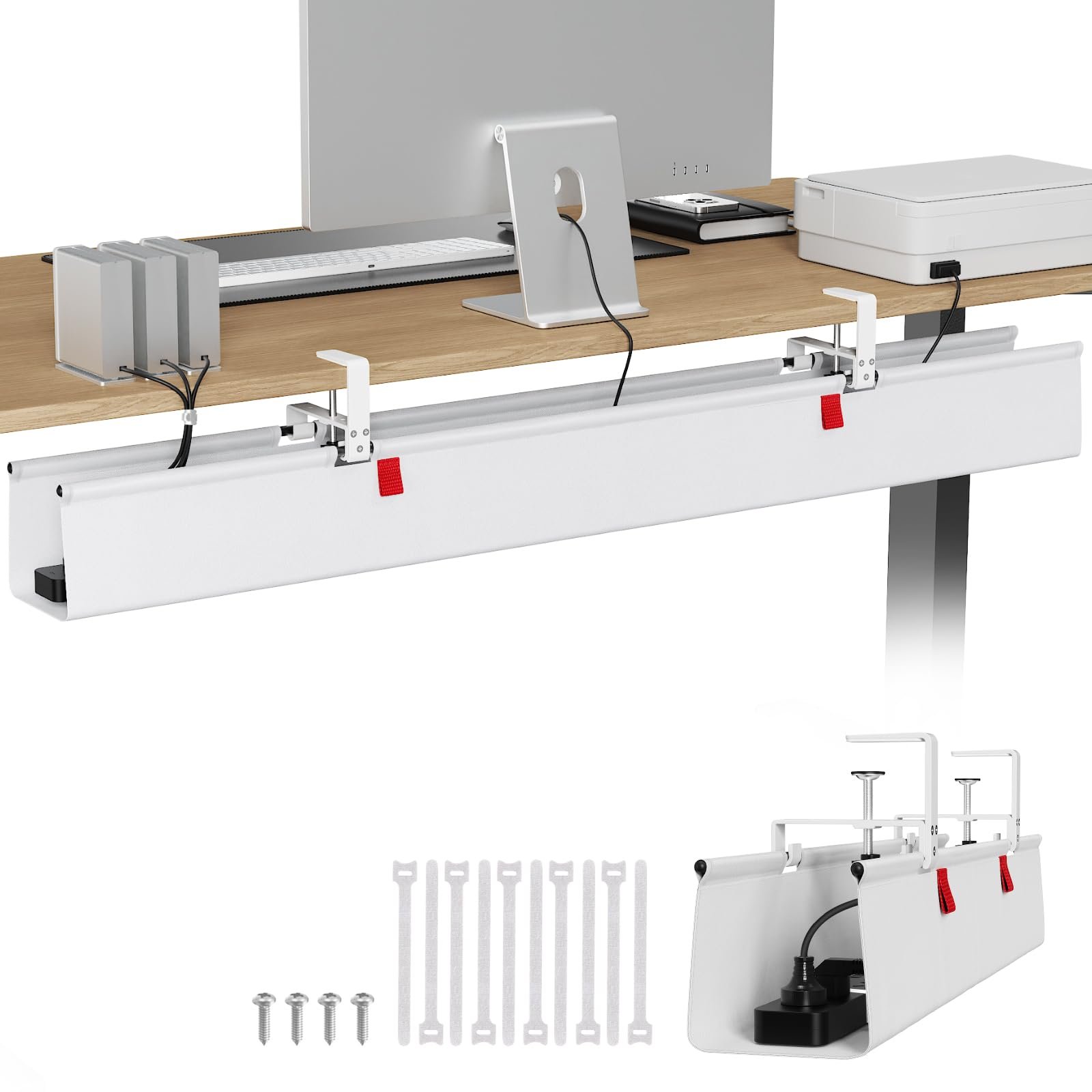
No-Drill Steel Clamp Under-Desk Raceway
Heavy-duty C-clamp attaches without screws or glue. Holds multi-outlet surge protectors. Under $25.
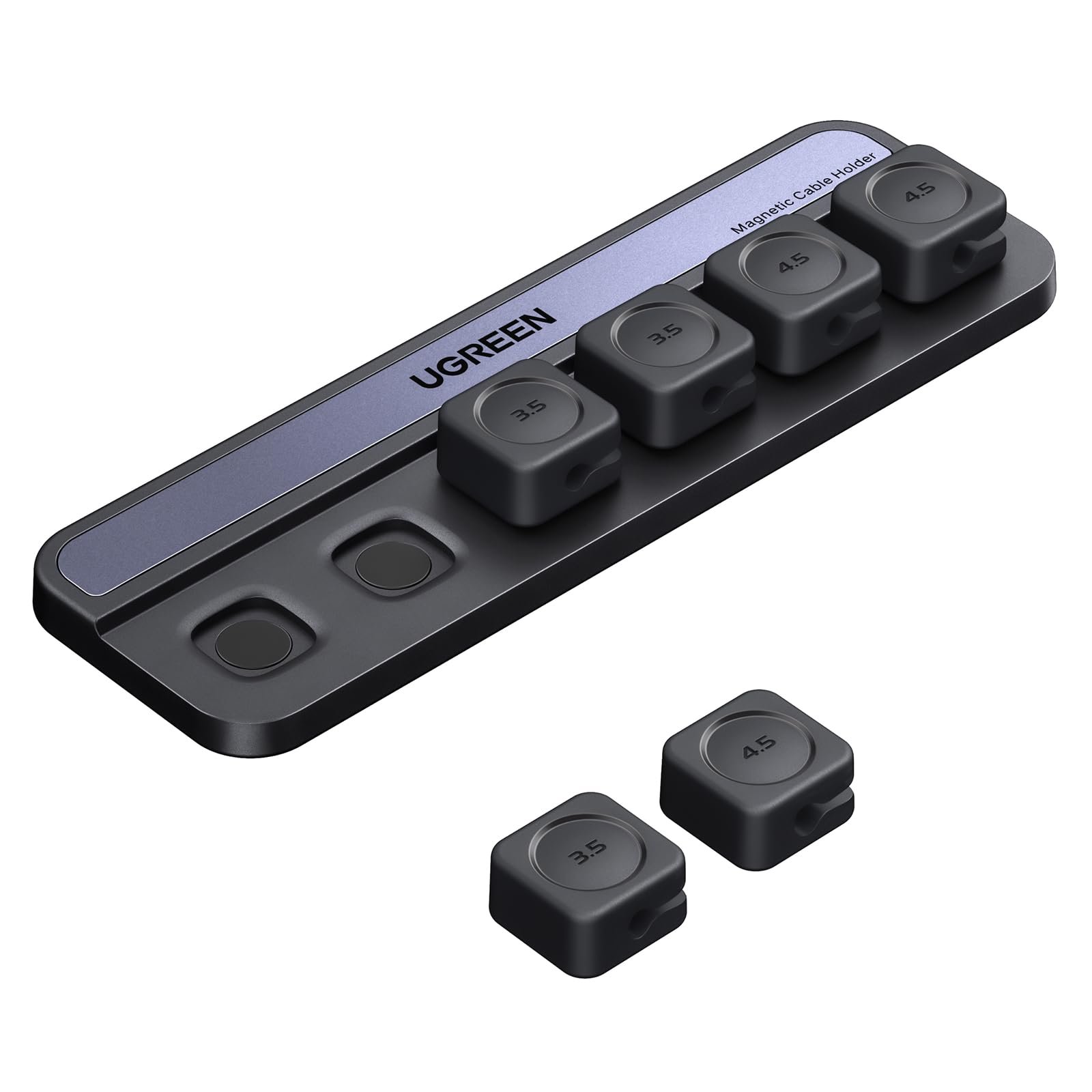
Anker Desktop Magnetic Cable Anchor Clips
Magnetic collar clips snap cords securely to a weighted desktop pad. Under $13.
The Real-World Problem
You can buy a \$2,000 walnut desk and a \$1,500 monitor, but if a rat's nest of black cables dangles beneath your desk, the entire setup feels chaotic and unresolved.
A truly quiet-luxury workspace requires a 'zero-wire architecture' where power is accessible right at your fingertips without visible cord droop.
Side-by-Side Comparison Matrix
| Management Tier | Under-Desk Steel Raceway 🏆 | Anker Magnetic Cable Clips 🏆 |
|---|---|---|
| Primary Function | Conceals power strips, transformers, AC bricks | Manages daily USB-C & Lightning phone cords |
| Mounting Method | No-drill padded steel clamp (Protects timber) | Washable residue-free adhesive base |
| Ventilation | Open steel mesh prevents power brick heat build-up | Silicone magnetic collars |
| Floor Clearance | Elevates all cords 100% off the floor for robot vacuums | Desktop surface placement |
| Ideal Setup | Combine both for full zero-wire desk architecture | Keep 2-3 essential cables anchored on mat |
The 10-Minute Cable Clean-Up
Clamp the steel raceway directly beneath your monitor arm. Place a 6-outlet power strip inside. Run one master power cord down a desk leg. Everything else stays elevated and completely invisible from front view.
Clean Space, Clear Mind
Pair an uncluttered workspace with our Anti-Procrastination Sprint and Cash Flow Planners on PaperCraft Studio.